Find your way with OK.
Open the live guide with your remote and keep the current channel in view.

THE OFFICIAL KENSAT PLAYER
Live TV, films and series. Everything you love about your playlist, in a player that feels like home.
Android · Android TV · compatible Fire TV · Windows
MADE FOR THE WAY YOU WATCH
Open the live guide with your remote and keep the current channel in view.
Keep your favourite channels close and return to recently watched ones.
Reorder channels and categories. Hide the groups you don’t need.
YOUR SCREEN IS ALREADY CONNECTED?
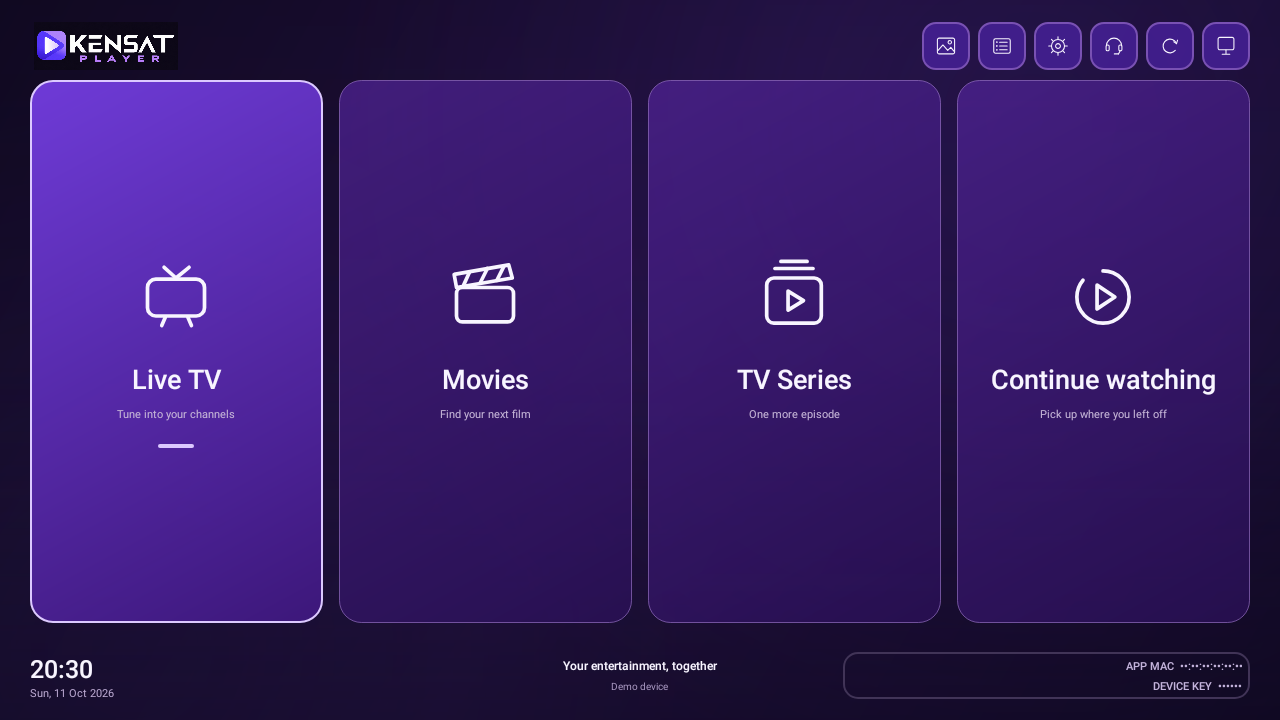
Use the App MAC and Device Key shown in Kensat Player to manage that device’s playlists.
Choose the version for your device on our downloads page.
Open the app. Use its App MAC and Device Key to manage your playlist, or ask your reseller to help.
Once your app is active and a playable playlist is saved, return to Kensat Player and continue.
FOR PLAYER RESELLERS
Manage devices, private playlists, saved DNS addresses, activation credits and expiry reminders in your reseller panel.